

A desk for everyone who comes in
Keep every desk on record by location and floor, book desks for the days people are in, and check in and release them, whether your office runs on hot desks, assigned seats or a hybrid of both.
- Hot desk or assigned
- Check-in and release
- Desks by floor

Why it matters
Hybrid offices that just work
Hot desks, assigned desks and hybrid offices managed in one place, with bookings, check-ins and locations. People book the days they come in, and desks nobody checks in to are released for someone who needs one.
Every desk accounted for
A register of desks by location and floor, each available, occupied or in maintenance.
A seat when you arrive
Bookings for the days people are in, from one day to several.
No ghost bookings
Desks are checked in or released, and unused bookings can be released automatically.
01Desks
Every desk, by location and floor
Keep a register of desks with their code, location and floor. Assign desks to people who sit in one place, and mark desks available, occupied or under maintenance.
- Desk code, location and floor
- Assigned to an employee, or open to book
- Available, occupied and maintenance statuses
- Your own list of locations
02Bookings
Book, check in and release
Book a desk for an employee from one date to another, and move the booking from booked to checked in to released, or cancel it if plans change.
- Bookings with from and to dates
- Booked, checked in, released and cancelled
- Bookings for one day or several
- A clear view of who sits where
Booked
1 item
B-03 · 3F
Mei Lin · 14–15 Oct
Checked in
1 item
A-09 · 2F
Jonas Weber · checked in today
Maintenance
1 item
C-02 · 3F
Monitor being replaced
03Your office rules
Hot desk, assigned or hybrid
Choose how your office books desks, cap how many days a booking can run, and release desks automatically when nobody checks in.
- Booking mode: hot desk, assigned or hybrid
- Maximum booking length of 1, 5, 10 or 30 days
- Auto-release when nobody checks in
- Locations kept as a list
- Hybrid
Booking mode
Hot desk, assigned or hybrid
- 5 days
Maximum booking
Longest a single booking can run
- On
Auto-release
When nobody checks in
Set up your office desks in minutes.
Free for 24 hours
How it works
From setup to done, step by step
Set it up once with our team. After that, it runs every day on its own.
- 1
Set up your desks
Add desks by code, location and floor.
- 2
Choose your mode
Hot desk, assigned or hybrid, with a maximum booking length.
- 3
Book desks
Book desks for the days people are in.
- 4
Check in and release
Check in on arrival, and release desks that aren't used.
Nexa AI
Ask Nexa where to sit
Nexa reads the desk register and bookings so you can find a seat or see who's in.
See how the Nexa agent works“Which desks are free on the second floor tomorrow?”
6 desks are free on 2F tomorrow: A-02, A-05, A-07, A-11, A-16 and A-18.
“Who's booked in the office on Thursday?”
41 people have desks booked on Thursday, 18 of them from Engineering.
“Which desks are under maintenance?”
2 desks: C-02 on 3F and A-20 on 2F.
Everything included
Every detail of desk booking, covered
- Desk register
- Code, location and floor.
- Assigned desks
- Give regulars a permanent seat.
- Bookings
- From and to dates.
- Check-in
- Mark arrivals against bookings.
- Release
- Free desks that aren't used.
- Auto-release
- When nobody checks in.
- Maximum booking days
- 1, 5, 10 or 30 days.
- Maintenance status
- Take desks out of use.
- Locations
- Your own list of sites and floors.
One platform
Desk booking isn't all Nexa People does
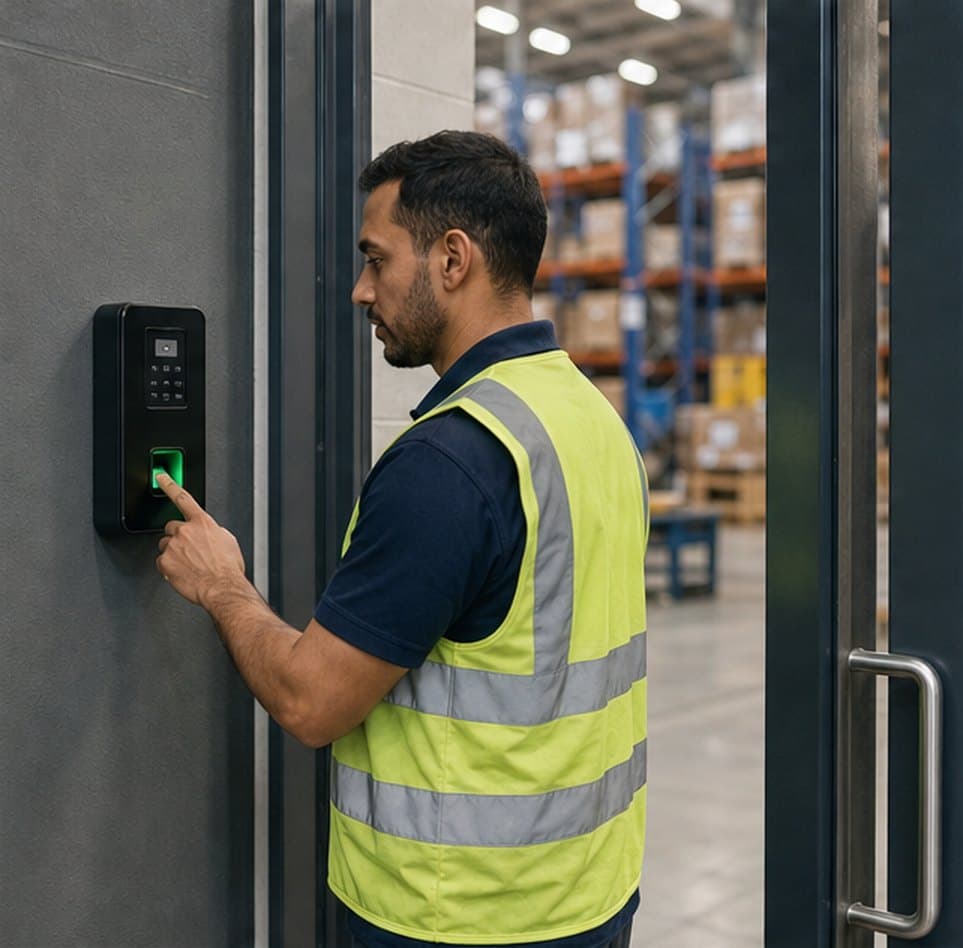
Biometric, mobile and location-verified check-ins, judged against each person's shift and ready for payroll.
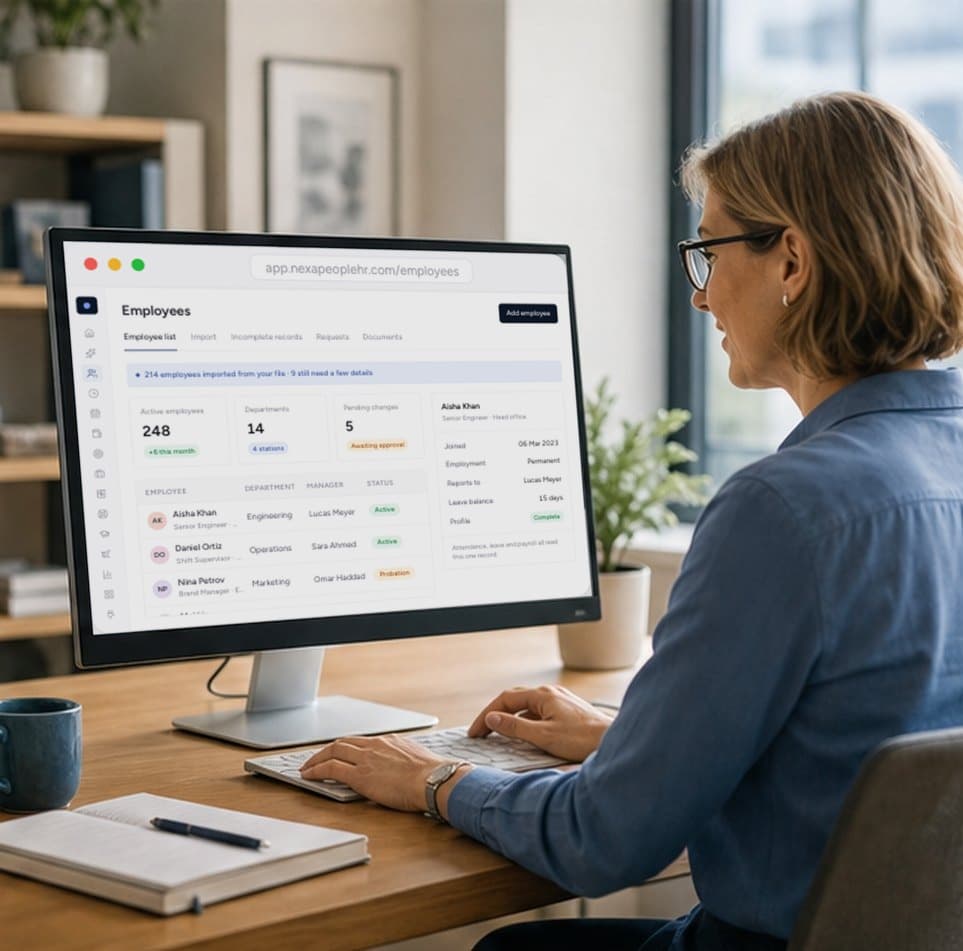
One record for every employee, kept accurate by approved changes and shared by every module.

Business trips requested, approved and closed out, with travel expenses, advances and per-diem rules alongside.
Start free today
Give everyone a desk when they come in
Desks by floor, bookings for the days people are in, and check-ins that free up desks nobody uses. Start free and set up your office today.
- 01Hot desk or assigned
- 02Check-in and release
- 03Desks by floor
Yes. Choose hot desk, assigned or hybrid as your booking mode.
You set the maximum: 1, 5, 10 or 30 days per booking.
Bookings can be released automatically when nobody checks in, so the desk is free for someone else.
Yes. Every desk has a code, location and floor, and is marked available, occupied or under maintenance.