

Time off, approved in minutes, not email threads
Employees see their live balance and request leave from web or mobile. Approvers sign off in a click, and attendance and payroll update on their own.
- Live balances
- Up to 5 approval levels
- Updates attendance

Why it matters
Leave that's fair, fast and always up to date
Leave types, balances and multi-level approvals that keep attendance and payroll in sync on their own. Employees see what they have left, managers approve in a click, and HR stops answering the same balance question every week.
Always the right balance
Entitled plus carried over and compensatory days, minus taken, pending and penalties, calculated live.
Approvals that move
Requests go to the right people in order, and nobody can approve their own leave.
Attendance stays in sync
Approved days show up as On Leave in attendance, so nobody is marked absent by mistake.
01Leave policies
Every leave type, with its own rules
Create annual, sick, unpaid, compensatory and any other leave you offer. Decide who's eligible, how much notice is needed, whether documents are required and whether it can be taken as a full, half or quarter day.
- Eligibility by employment status, group and gender
- Paid or unpaid, with advance-notice and consecutive-day rules
- Full, half and quarter-day leave
- Attachments required where your policy asks for them
All staff
1 item
Sick leave
Paid · certificate after 2 days
Eligible
1 item
Compensatory off
Earned from overtime or holiday work
02Quotas and balances
Quotas that assign themselves
Leave quotas are given automatically to everyone eligible, to new joiners and whenever someone's employment status changes. Requests that would go over the balance are blocked, with the exact shortfall shown.
- Automatic quotas for eligible staff and new joiners
- Quota grid with adjustments, each with a note
- Import quotas from CSV when you move over
- Over-balance requests blocked with the exact shortfall
03Approvals
The right approvers, in the right order
Set an approval chain of up to five levels for each leave type, using named people or roles like the line manager. One rejection ends the request, approvers get notified, and employees can edit or withdraw while it's pending.
- Up to 5 approval levels per leave type
- Approvers by name or by role, such as line manager
- Self-service apply, edit and withdraw on web and mobile
- Compensatory leave for overtime and holiday work
- Vacation can be paid in advance through payroll when needed
Approve your first leave request in minutes.
Free for 24 hours
How it works
From setup to done, step by step
Set it up once with our team. After that, it runs every day on its own.
- 1
Define leave types
Create each type of leave with its eligibility, pay status, notice period and allowed durations.
- 2
Quotas assign themselves
Eligible employees, new joiners and status changes get the right quota automatically.
- 3
Employees apply
From web or mobile, with their live balance in view and over-balance requests blocked.
- 4
Approvers sign off
The request moves through each level in turn, and approvers get notified.
- 5
Everything updates
Balances move from pending to taken, and attendance marks the days as On Leave.
Nexa AI
Ask Nexa to clear the leave queue
Nexa can find pending requests, check balances and approve or reject on your behalf, always within your permissions and only after you confirm.
See how the Nexa agent works“Approve all pending leave for the sales team.”
7 pending requests from Sales, all within balance. Ready to approve them once you confirm.
“Who's on leave next week in Engineering?”
3 people: Aisha Khan (Mon), Lucas Meyer (Mon–Wed) and Priya Nair (Fri).
“What's Omar Haddad's annual leave balance?”
Omar has 7 days of annual leave available, with 2 more days pending approval.
Everything included
Every detail of leave management, covered
- Unlimited leave types
- Each with its own eligibility, pay status and rules.
- Eligibility rules
- By employment status, group and gender.
- Live balances
- Entitled, carried over, compensatory, taken, pending and penalties in one number.
- No overdrawing
- Requests over the balance are blocked with the exact shortfall.
- Multi-level approval
- Up to five levels per leave type, by person or role.
- Approver notifications
- Approvers are notified when a request needs them.
- Mobile self-service
- Apply, check balances and file comp-off requests from the app.
- Quota import
- Bring balances across from CSV when you switch.
- Half and quarter days
- Partial-day leave, recorded accurately in attendance.
One platform
Leave management isn't all Nexa People does
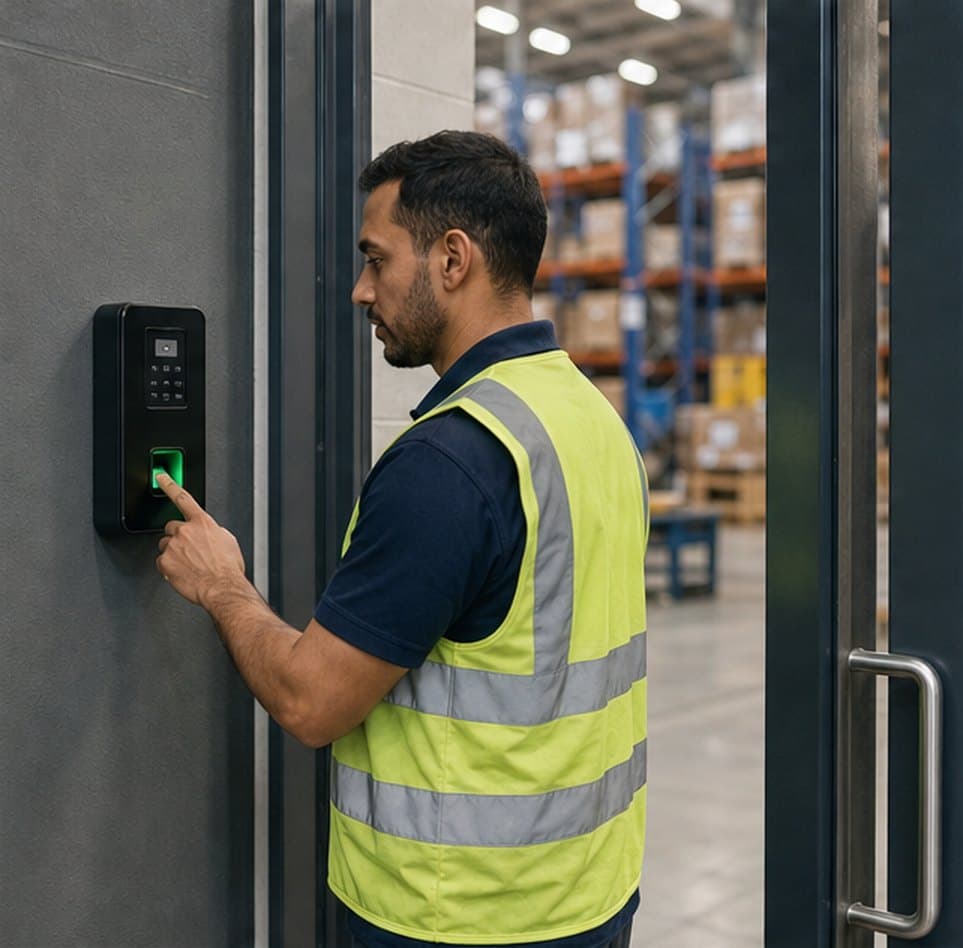
Biometric, mobile and location-verified check-ins, judged against each person's shift and ready for payroll.

Configurable payroll that reads approved attendance, leave and overtime, and shows its working on every payslip.
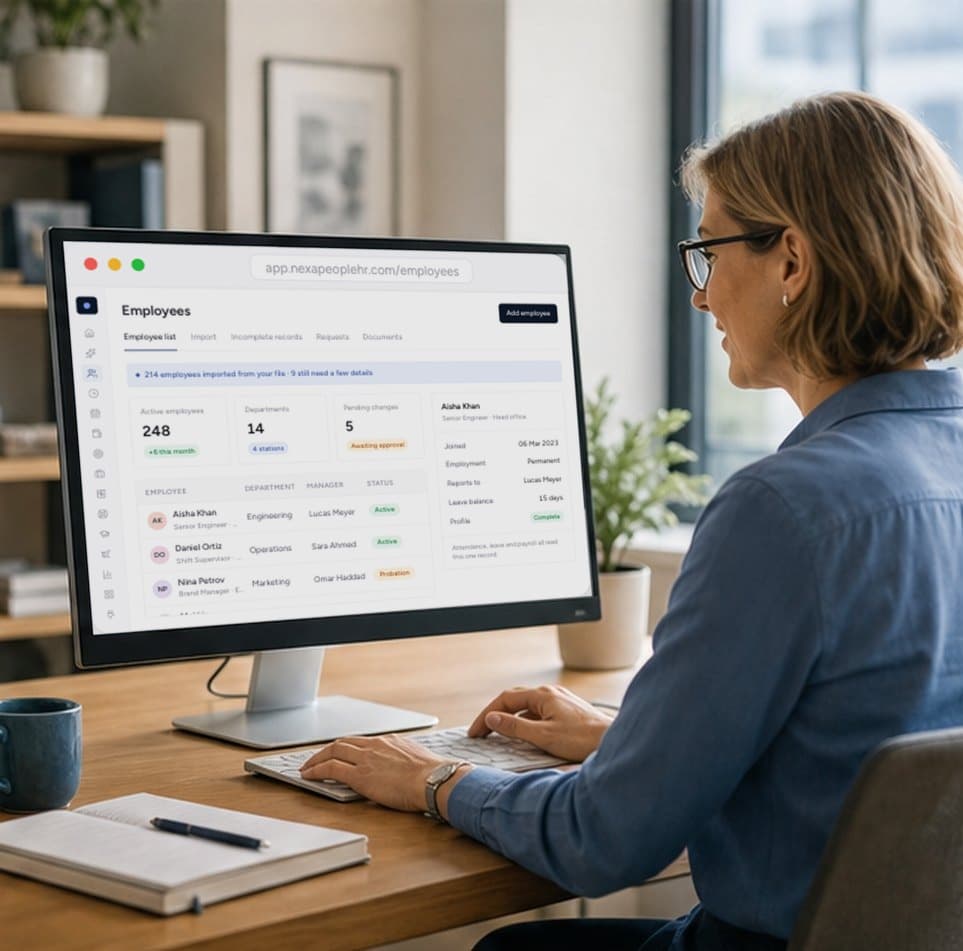
One record for every employee, kept accurate by approved changes and shared by every module.
Start free today
Approve leave in seconds, not email threads
Live balances, the right approvers in the right order, and attendance that updates itself. Start free and approve your first request in minutes.
- 01Live balances
- 02Up to 5 approval levels
- 03Attendance updates itself
Yes. Create as many leave types as you need, each with its own eligibility, paid or unpaid status, notice period, consecutive-day rules, attachment requirement and allowed durations.
Automatically. Eligible employees get their quota, new joiners get theirs when they're added, and quotas update when someone's employment status changes. You can also adjust or import quotas.
No. A request that exceeds the available balance is blocked, and the employee sees exactly how many days they're short.
Up to five per leave type, using named people or roles such as the line manager. One rejection ends the request, and nobody can approve their own leave.
Yes. Approved full days are written to attendance as On Leave, and are reverted if the leave is deleted, so payroll never treats them as absences.
Yes. Employees can apply for leave, file compensatory requests and check their balances from the Nexa People mobile app.